

EditorC64
Asset iteration without rebuilding the game.
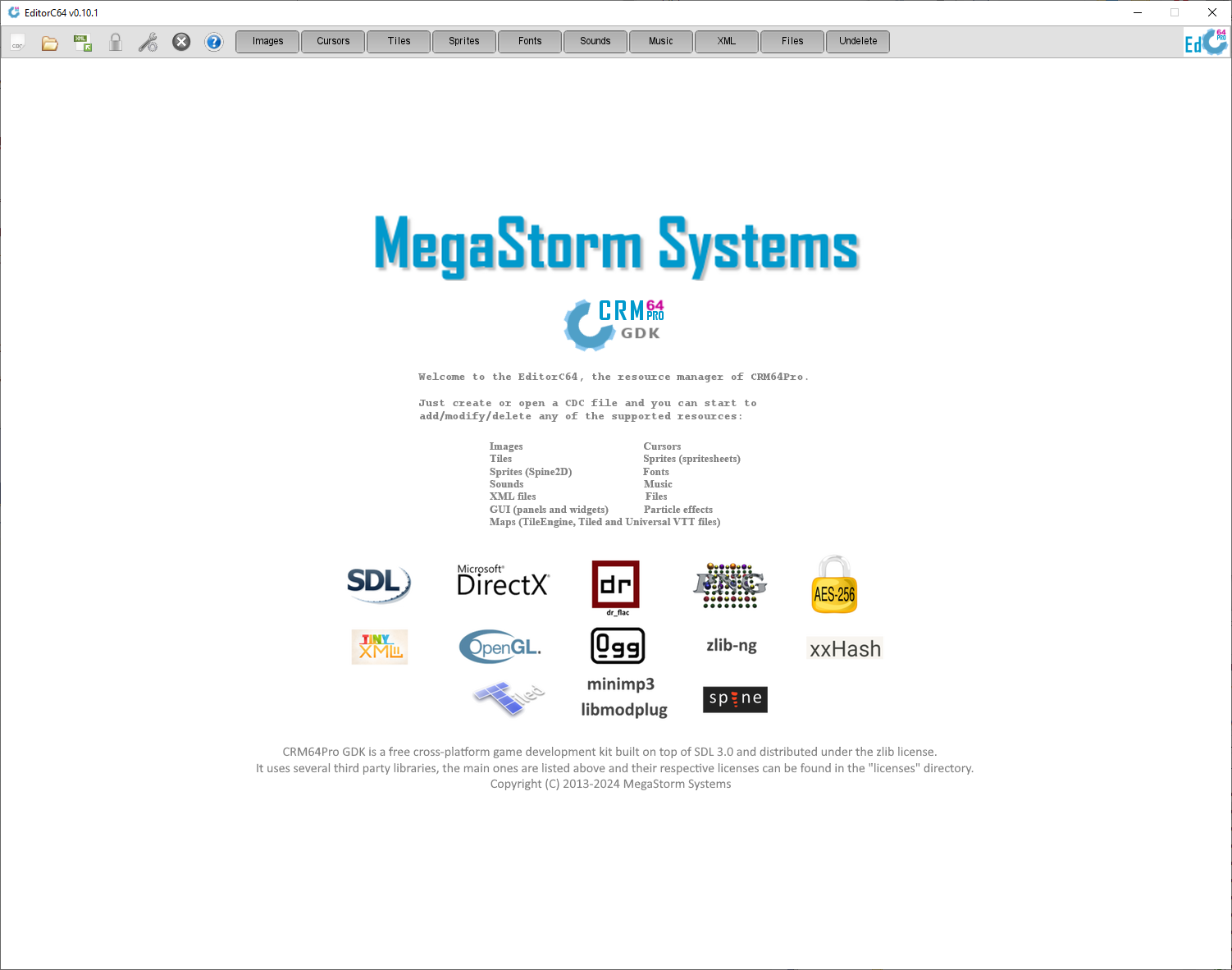
The official CRM64Pro resource editor for creating, importing, previewing, editing and packaging game assets inside CDC archives.
Overview
EditorC64 gives CRM64Pro projects a visual workflow for asset iteration. Developers can keep application code focused on gameplay while images, cursors, tiles, sprites, fonts, audio, videos, GUI panels, scenes, XML data and generic files are updated directly in the CDC archive.
Current builds include image resource handling, sprite animation preview, body and bounds alignment, sprite sheet compaction with configurable margins, audio resources, H.264 video support, animated GIF, WebP and H.264 import into animated tilesets, Tiled TMX/TSX and Universal VTT scene handling, particle-effect authoring, Scene particle placement, direct object editing and map movement, GUI panel and widget editing, CDC migration, archive information tools and undelete support.
Screenshots
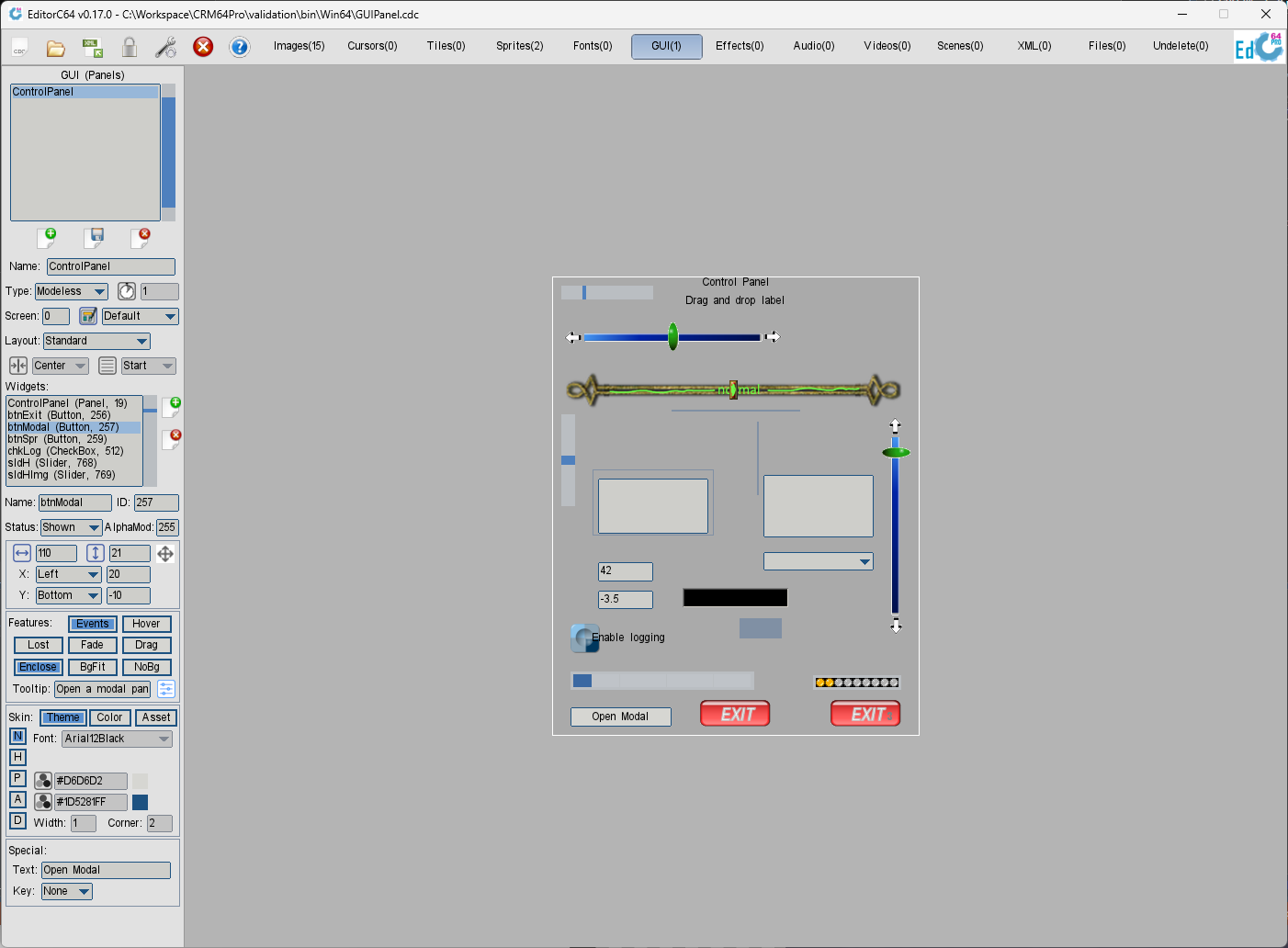
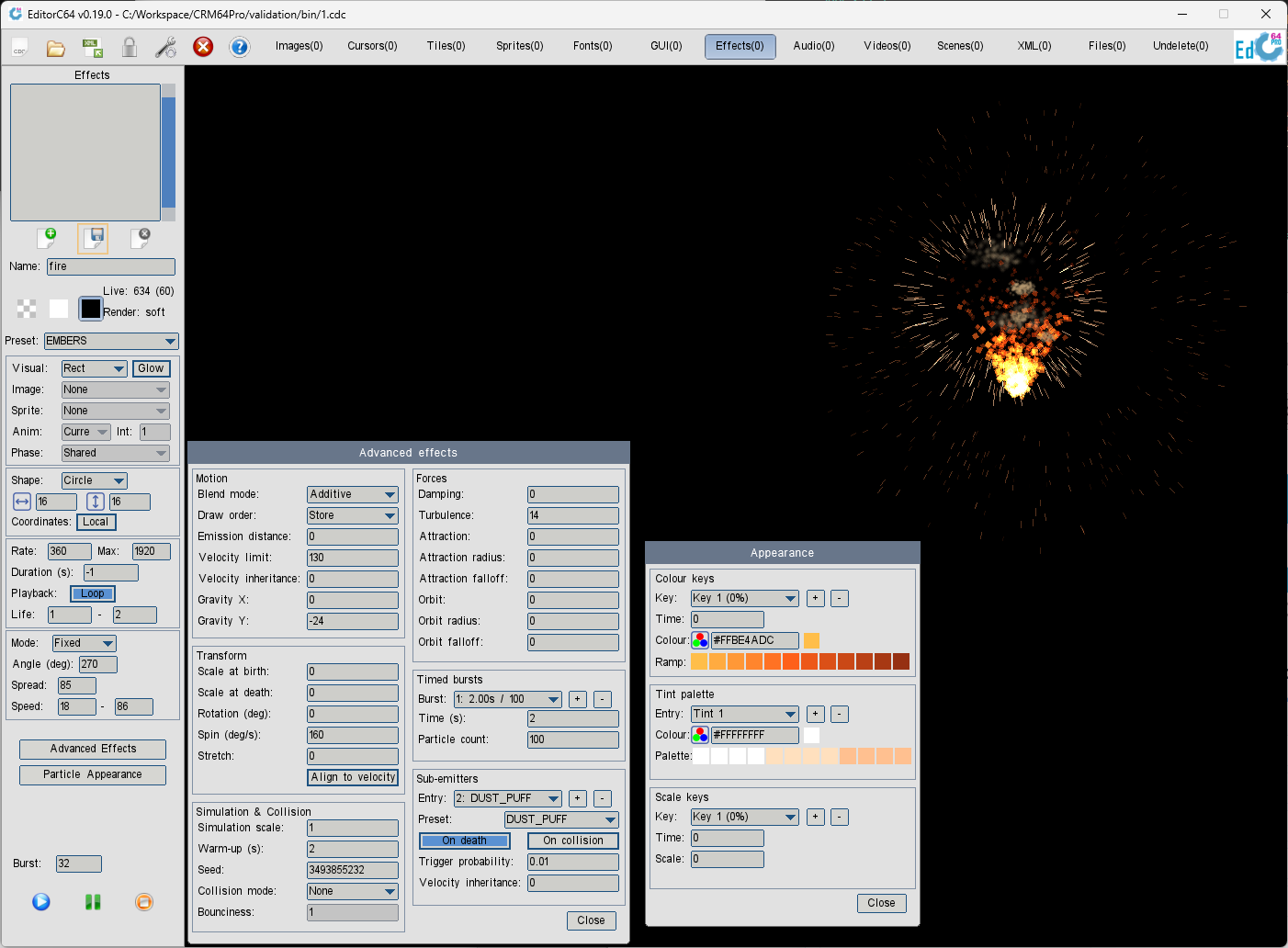
Editor features
Resource types 
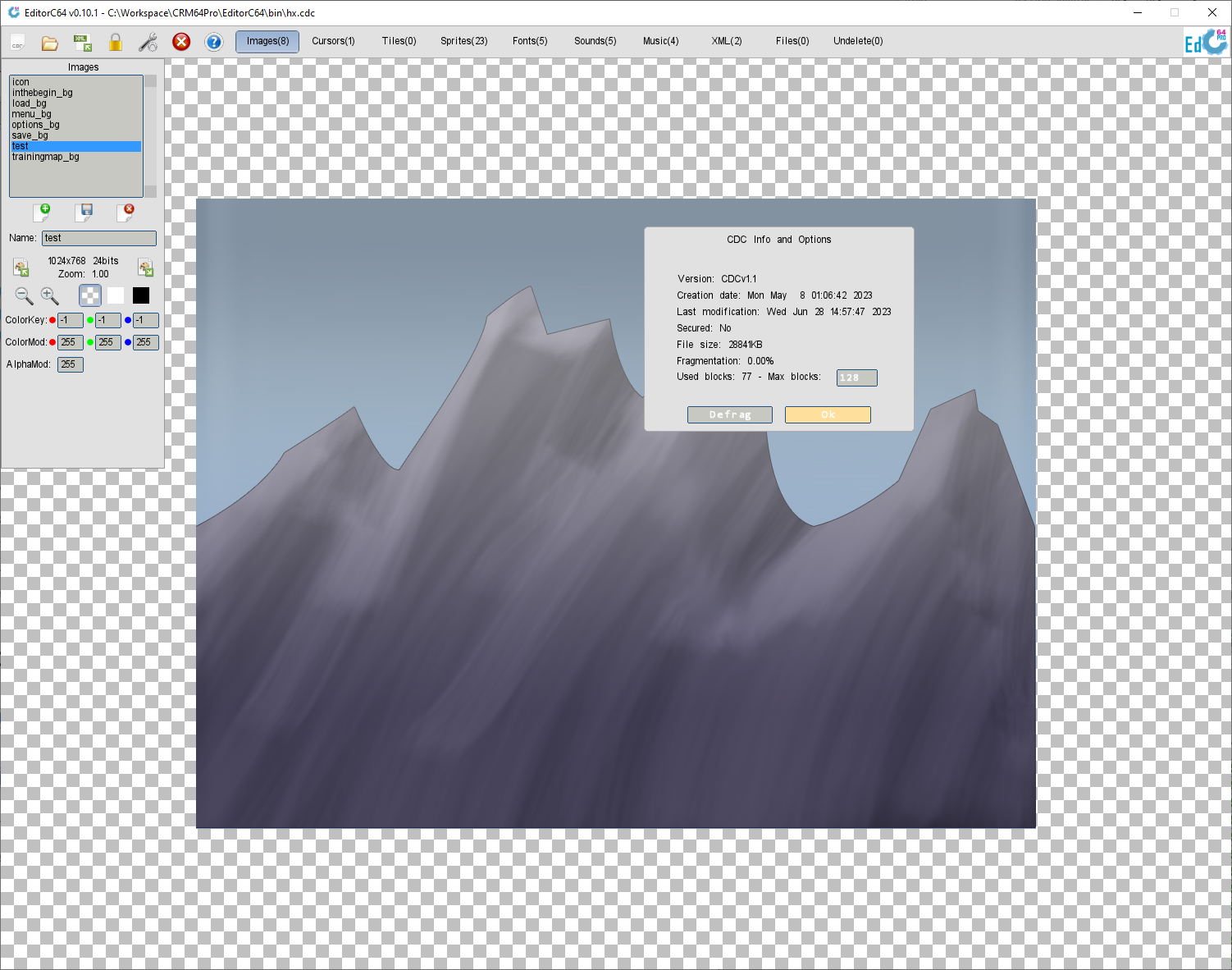
- Images: BMP, PNG, JPG/JPEG, PCX, TGA and WebP import, BMP/PNG export, zoom and pan preview, color key, color modulation, alpha modulation and alternate preview backgrounds.
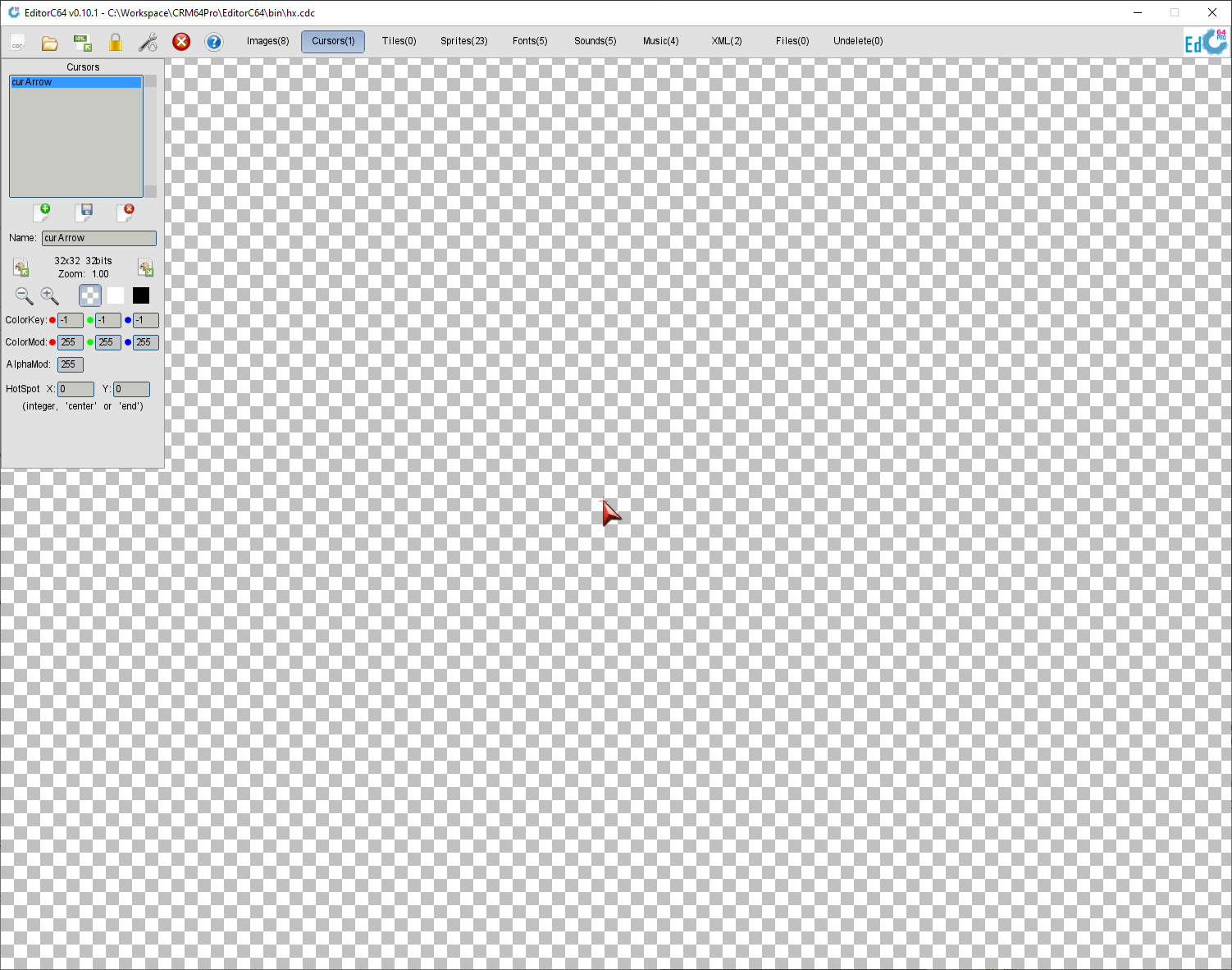
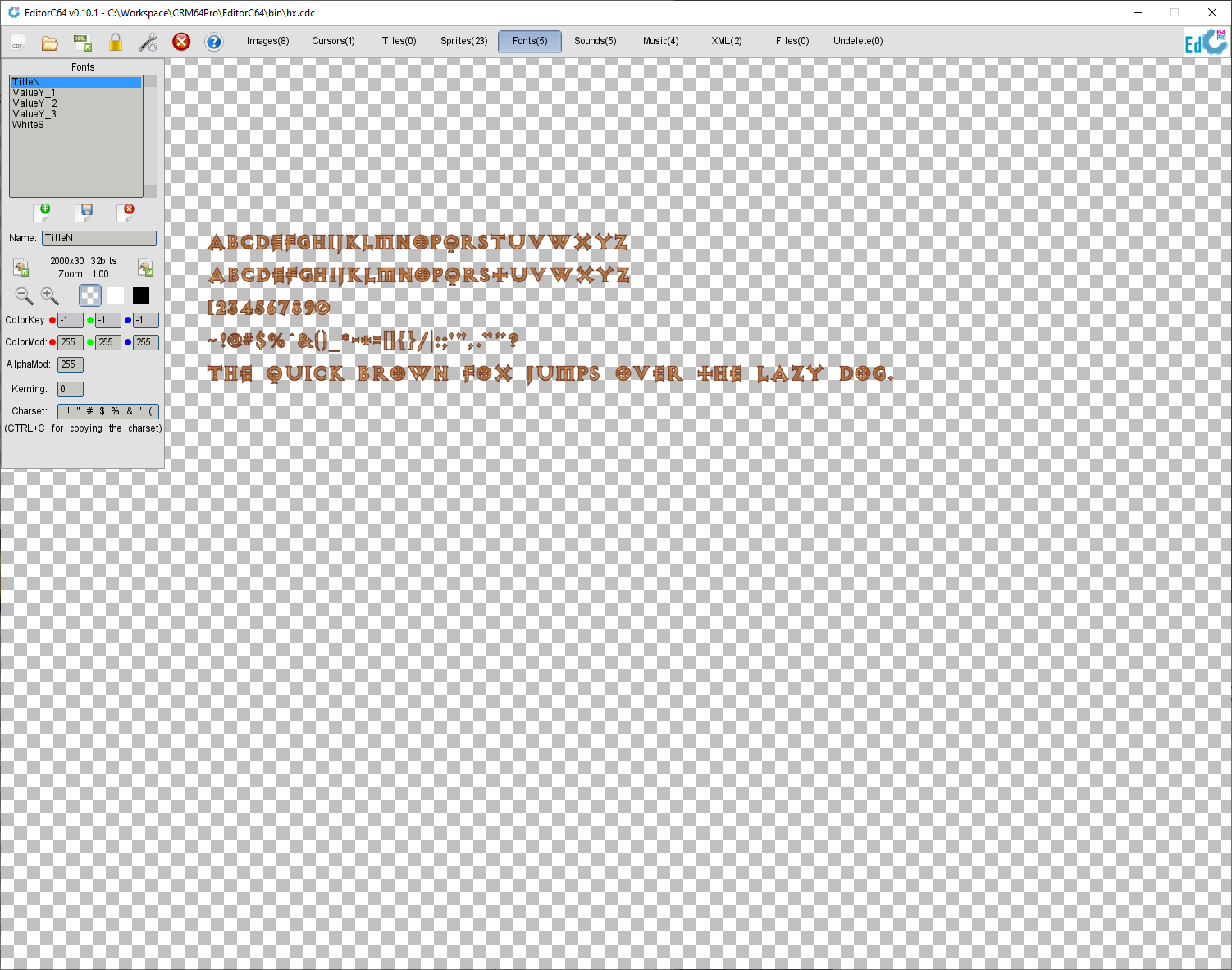
- Cursors, tiles and fonts: cursor hotspot editing, tile size/count/grid controls and bitmap font kerning/scaling preview.
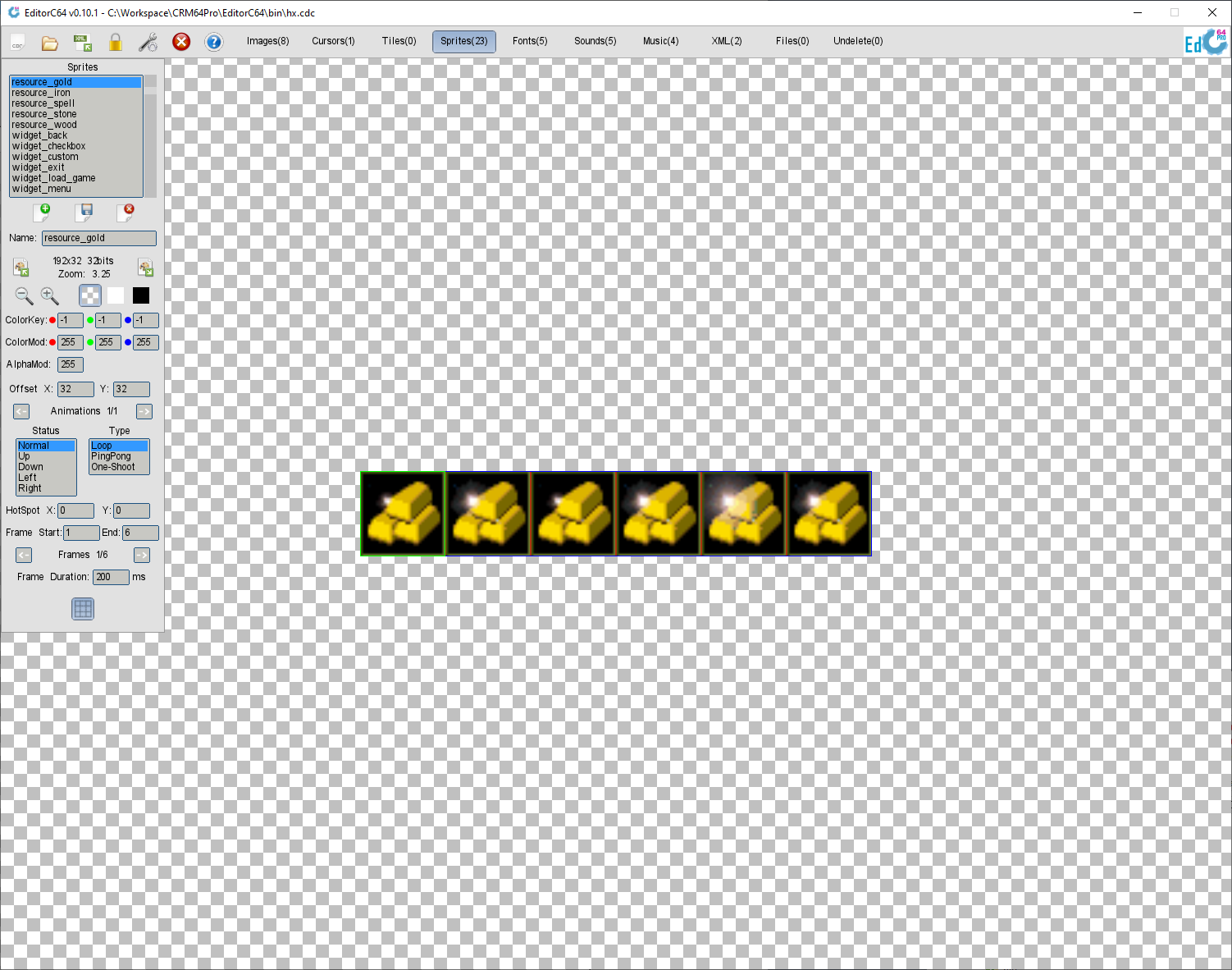
- Sprites: animation states, types, hotspots, frame durations and playback preview, body, edge and center alignment with Resize and Best fit, and sheet compaction with configurable margins and undo.
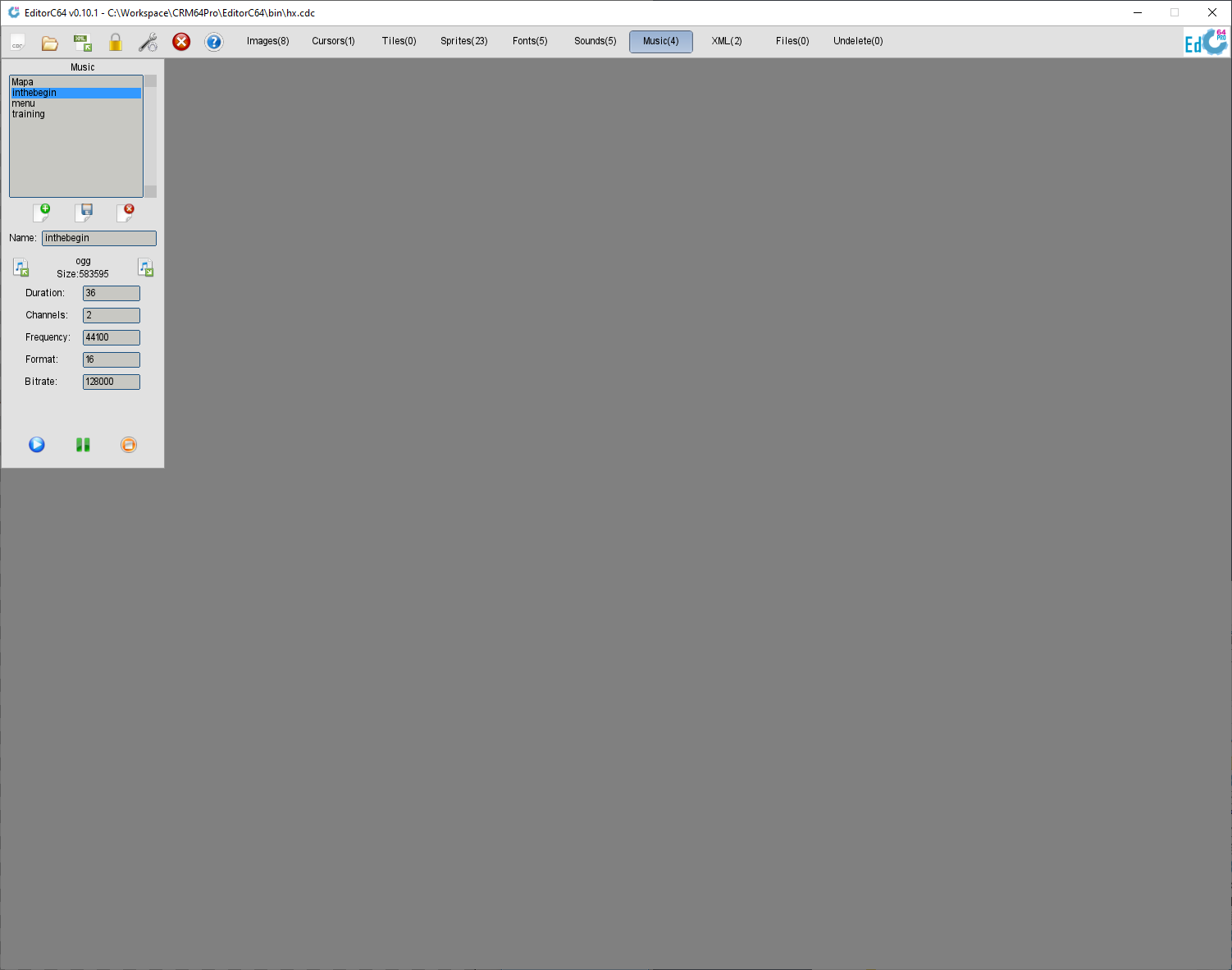
- AudioTracks: waveform display, playback controls and import/export support for WAV, Ogg Vorbis, FLAC, MP3 and tracker modules such as MOD, XM, S3M and IT.
- Videos: H.264 import/export, preview, playback controls, metadata, audio integration and CDC storage.
- Particle effects: presets, real-time preview, advanced emission and simulation controls, appearance keys, tint palette and colour ramps.
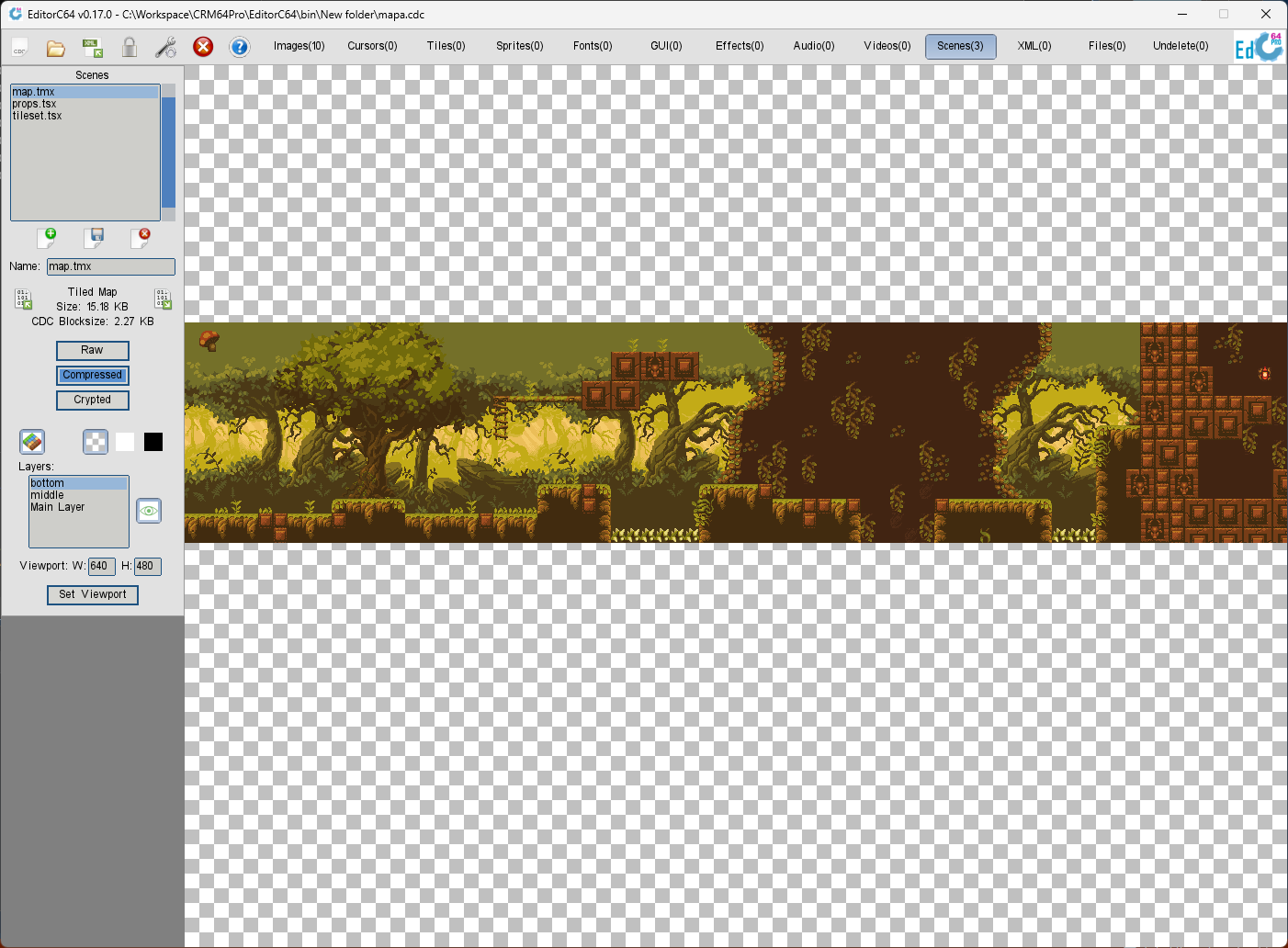
- GUI panels and scenes: visual widget editing, TMX/TSX import/export, animated tiles, layer visibility, viewport controls and recursive dependency handling.
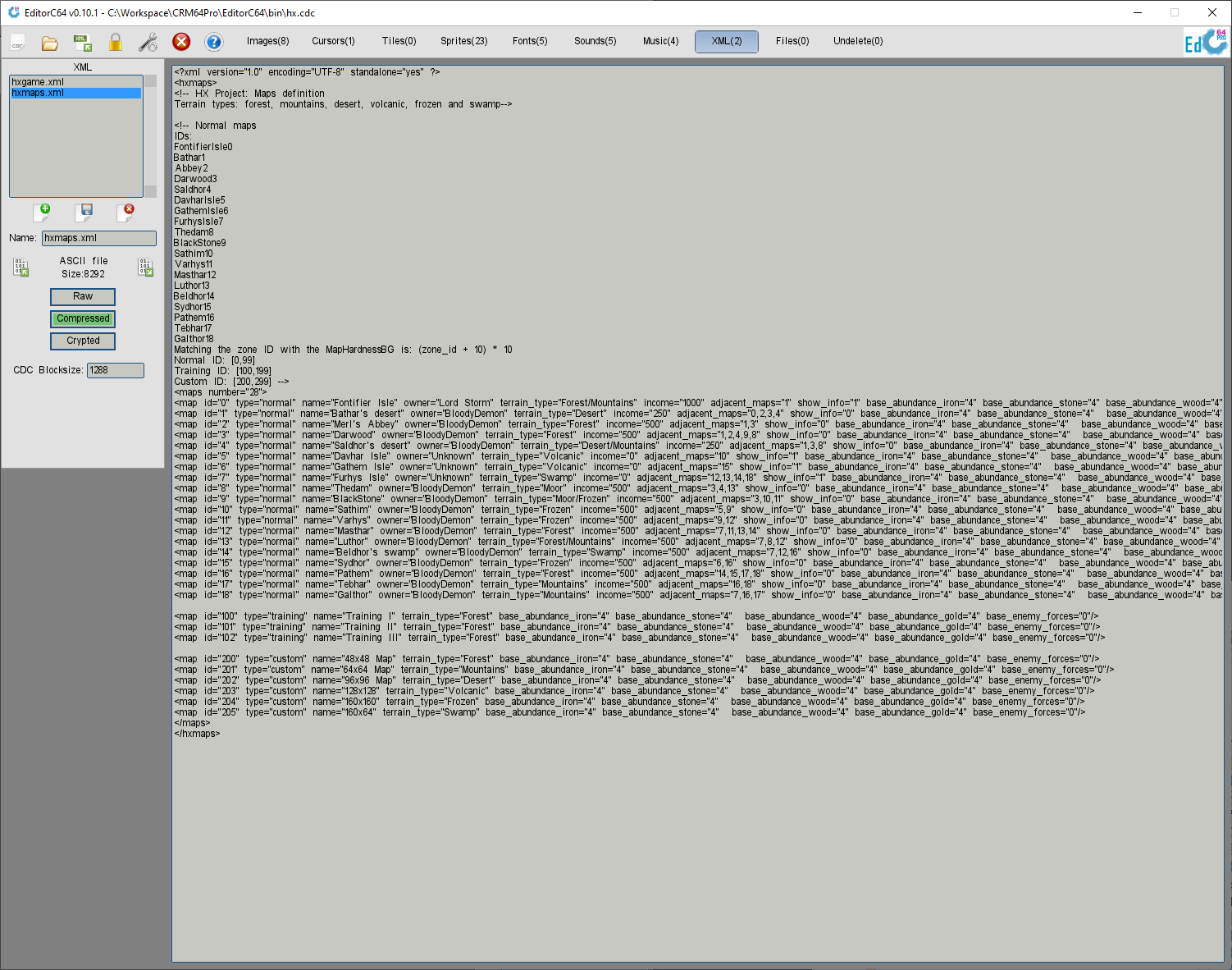
- XML and generic files: XML block import/export with direct text editing, arbitrary CDC file storage, synchronized ASCII-text scrollbars and export back to disk.
- Undelete panel for inspecting deleted CDC blocks and recovering supported resources when data is still available.
Asset workflow 
- Create, load, save, inspect and close CDC archives, with optional encrypted storage.
- Open CDCv1 archives and automatically update supported legacy resources to CDCv2.
- Automatically migrate native CDC blocks to newer versions.
- List archive block names and types, view CDC metadata, select the runtime renderer and display human-readable resource sizes.
- Synchronized vertical scrolling for ASCII text in the XML, Files and Scenes tabs, and for CDC block information.
- Custom startup resolution with the
-resolution:WIDTHxHEIGHTcommand-line parameter.
Scenes and tiles 
- Import and export Tiled TMX/TSX resources.
- Preview scenes with layer visibility, viewport controls and recursive dependency handling.
- Create maps or layers from Tiled maps, images, static GIFs, animated GIFs, animated WebP and supported H.264 video sources.
- Convert frame sequences into Tiled-compatible animated tilesets with deduplication and import statistics.
- Load Universal VTT maps with map geometry, lights, portals and occluders, preserving portal state and assigning configurable light, particle and movement blocking roles.
- Preview Scene particles, toggle effects, and place or edit particle instances directly on the map through modeless controls, with normal Scene-save persistence.
- Move and edit Scene objects directly using visible object-color markers.
GUI panels 
- Create and edit CRM64Pro panels and widgets, with a visual preview of the result.
- Edit layout, theme, widget properties, skins, fonts, colors, images, sprites and tooltip styling.
CDC file format
CDC overview
The CDC (CRM64Pro Data Container) format is an extensible block-based archive format designed for CRM64Pro. It is the successor to the DPF format used by CRM32Pro.
- CDCv2 is the current archive format used by CRM64Pro and EditorC64.
- EditorC64 can open CDCv1 archives and automatically update supported legacy resources to CDCv2.
- 64-bit offsets and sizes for archives and resources larger than 4 GiB.
- Variable-size block index with fast searching, loading, saving and deletion.
- xxHash64 validation for accidental I/O corruption, truncated writes and malformed payloads.
- Raw, compressed or non-authenticated AES-256-CTR encrypted storage per data block.
- Raw block streaming for large media/resources without buffering the full payload in memory.
- Deleted-block recovery support and safer defragmentation to reclaim unused archive space.
More technical details can be found here.
Download
EditorC64 is included with the CRM64Pro GDK binary download for Windows, Linux and macOS.